
Website and admissions
Outdoor learning
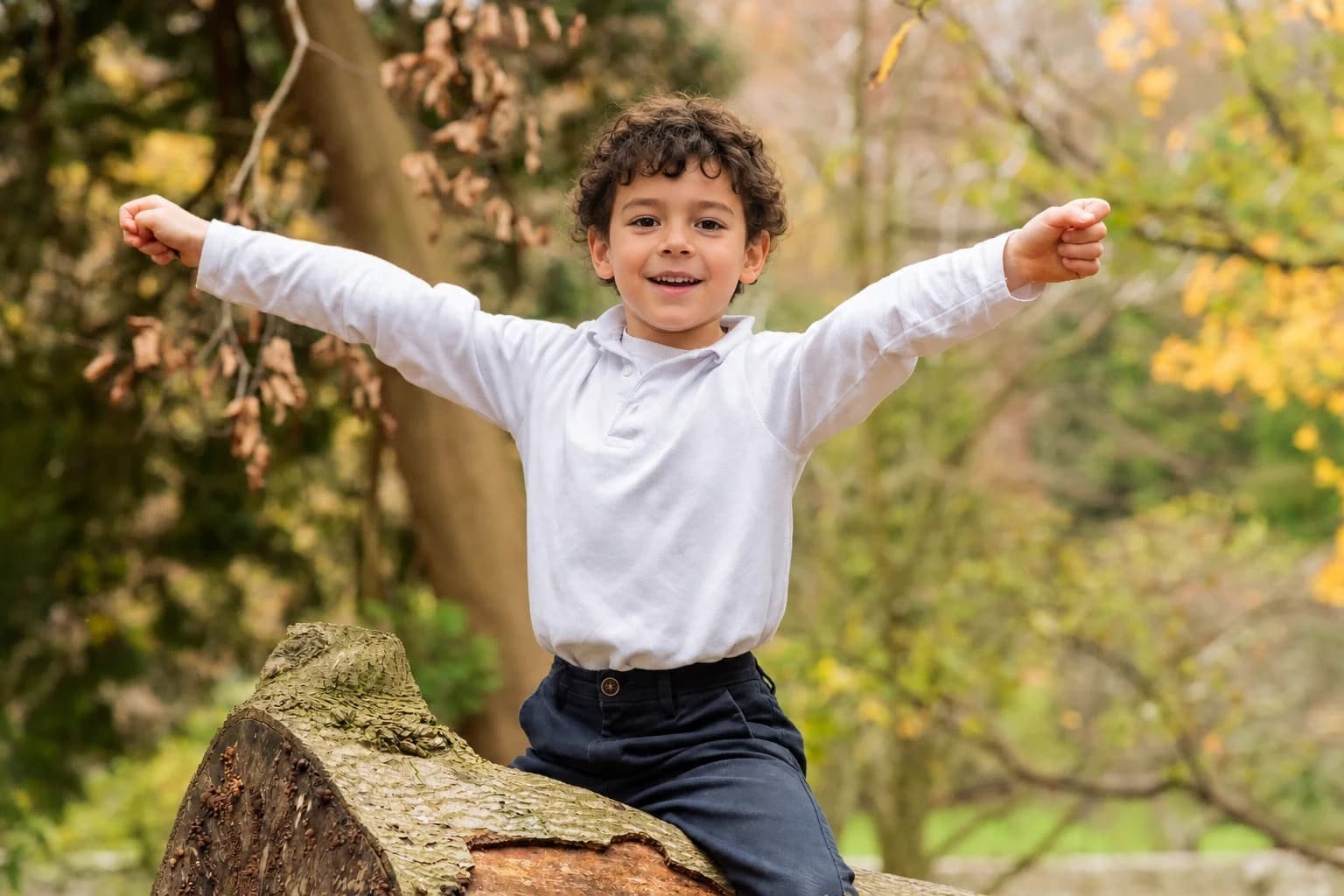
Public-facing anonymised output for wider school communications.
Public-facingFree school demo
This page shows approved public examples once they are ready for release. A guided demo is free and lets your team review the workflow, discuss safeguarding decisions, and assess whether Safe Face AI suits your school.
Prefer email? Use the contact page and we will arrange a guided walkthrough. No payment details are needed to test the free trial.
What a demo covers
Public examples
Use the before and after toggle to review how public-facing imagery can preserve atmosphere while reducing identifiability. Only approved and distinct example pairs are shown here.
Website and admissions
Public-facing anonymised output for wider school communications.
Public-facingProspectus and admissions
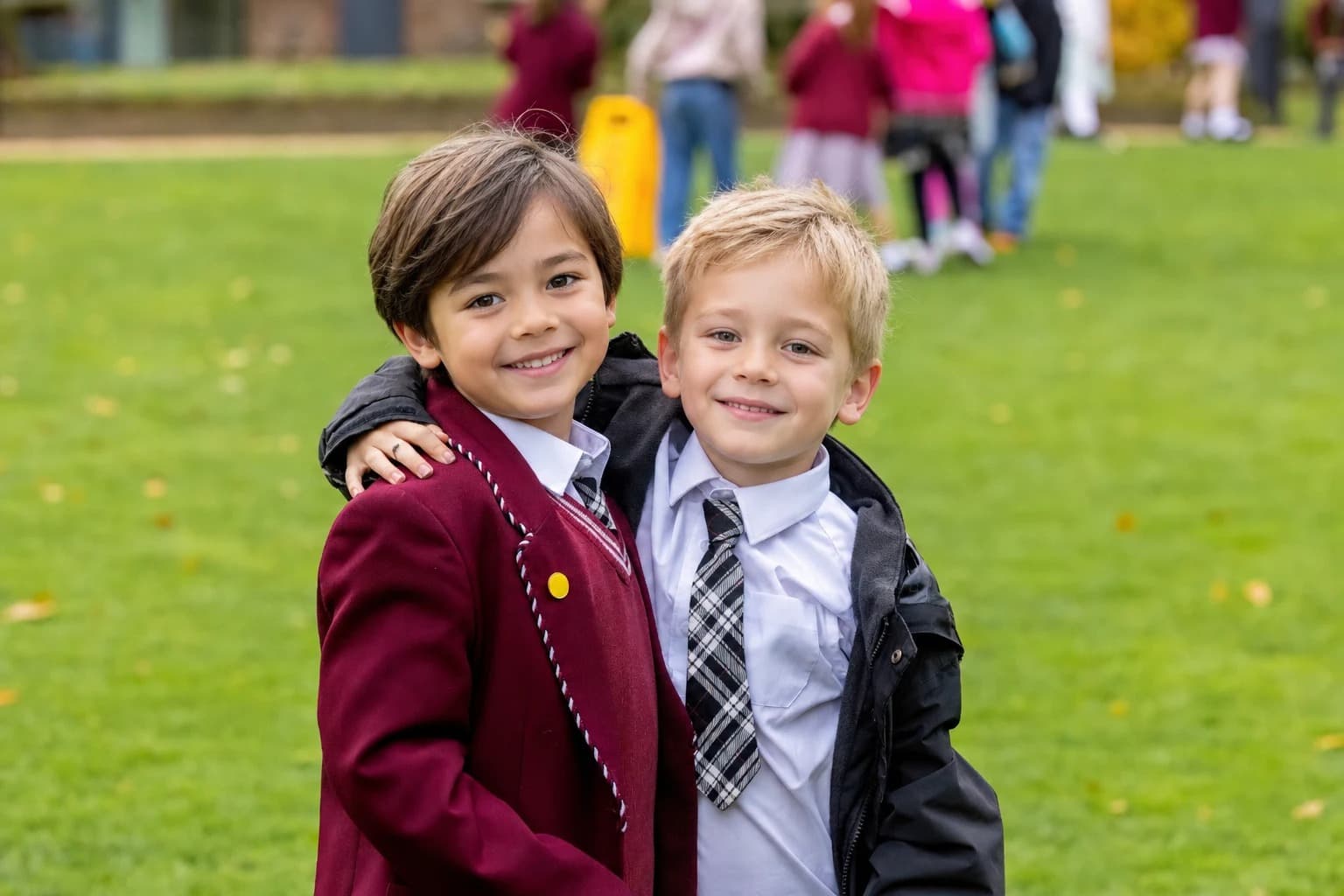
Public-facing anonymised output for wider school communications.
Public-facingWebsite and prospectus
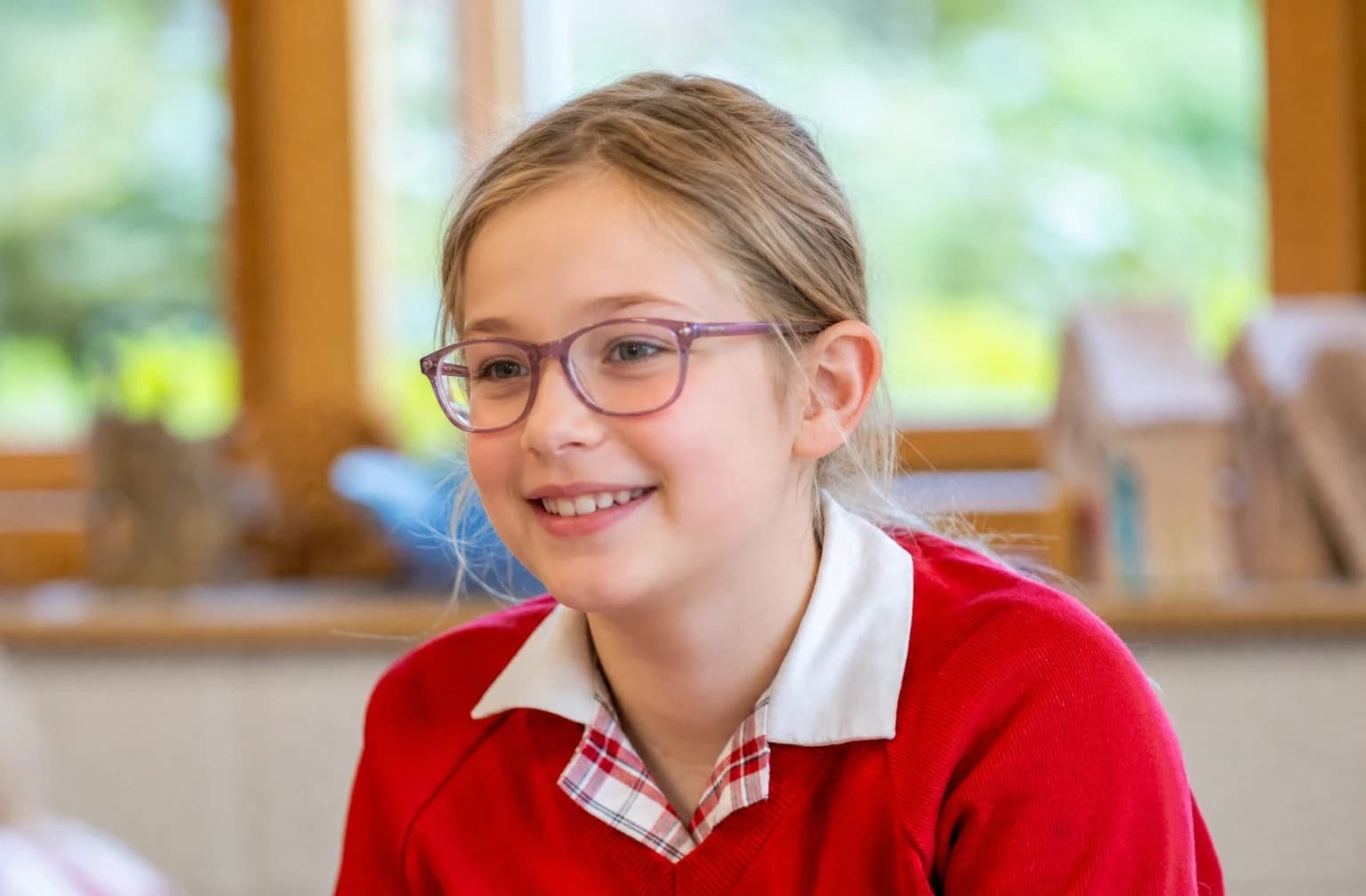
Public-facing anonymised output for wider school communications.
Public-facingWebsite and prospectus
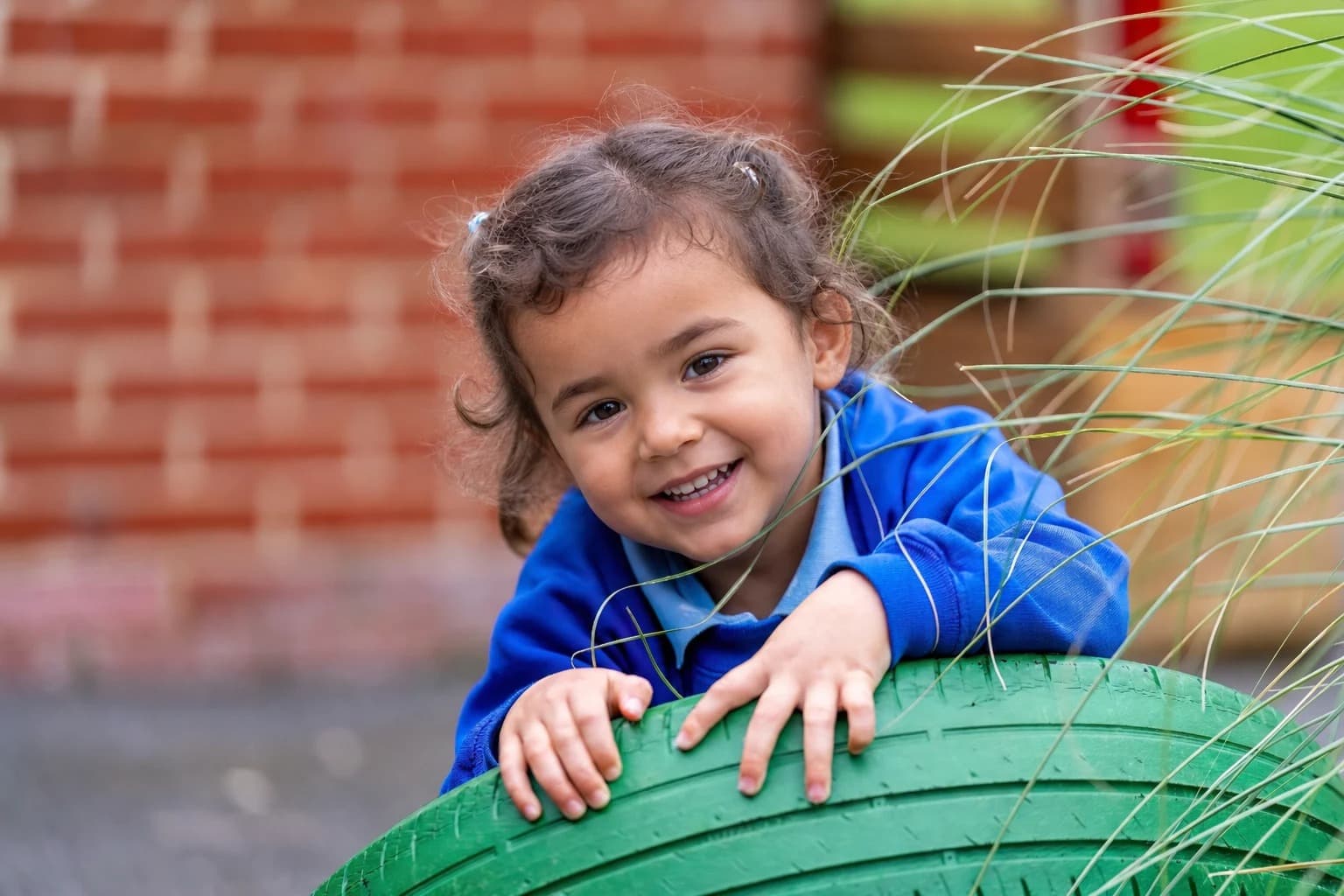
Public-facing anonymised output for wider school communications.
Public-facingProspectus and admissions
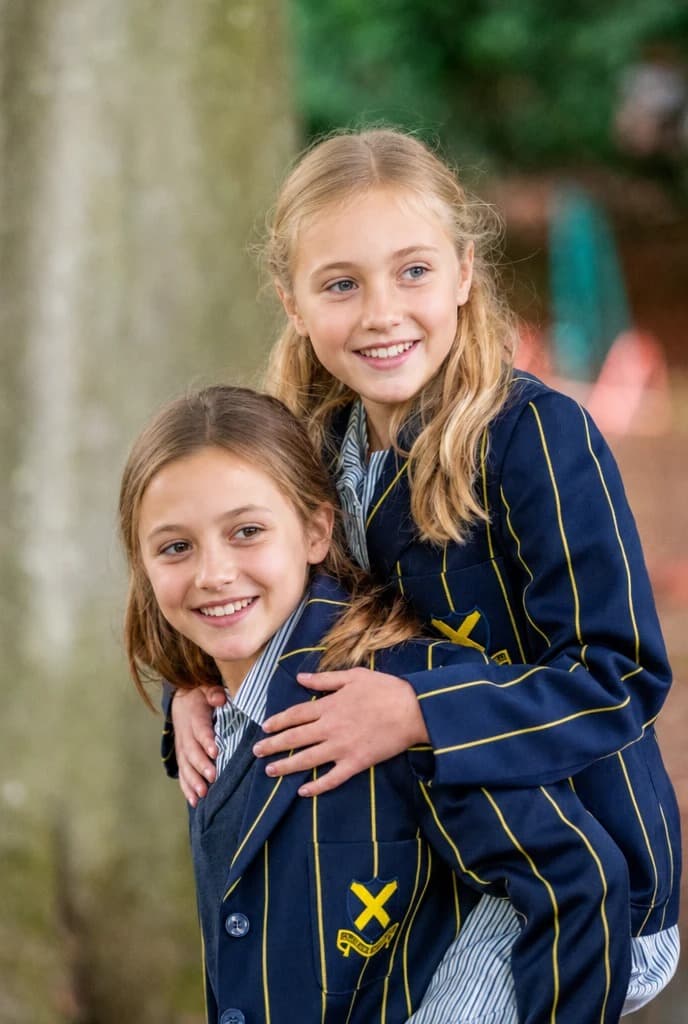
Public-facing anonymised output for wider school communications.
Public-facingBook a free guided walkthrough or start a free trial to evaluate the workflow on your own imagery before committing.